Brand Systems
Security Brand and Web Systems
Secureframe / AppOmni
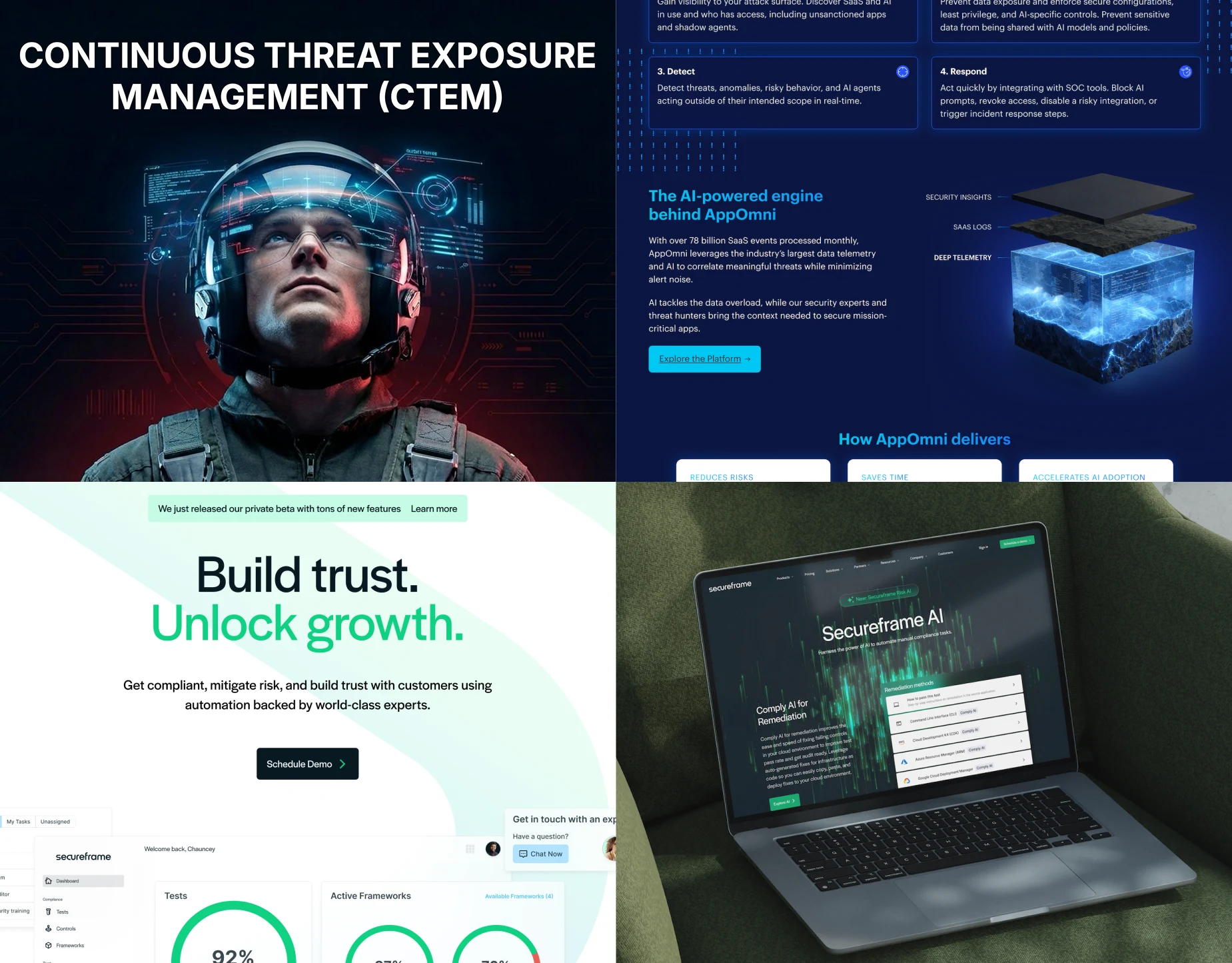
Brand and web systems that improved consistency, production speed, and site performance across Secureframe and AppOmni.
View case studyAI-assisted workflows for turning design intent into reusable web components, marketing UI, and motion.
At AppOmni, I developed workflows that used AI to help translate designed sections, product references, and motion principles into reusable production assets. I set the design intent, structure, references, and acceptance criteria, then directed analysis, implementation, variation, and correction.
Context
AppOmni's marketing and product-storytelling pages were growing more complex, and needed to move faster without drifting from the established brand and product systems.
Challenge
Designed sections, product references, and motion principles needed to become reusable production assets instead of one-off compositions rebuilt for every page.
Contribution
As Senior Visual Designer, I defined the design intent, component structure, references, and acceptance criteria for each workflow, then directed the AI-assisted analysis, construction, and correction.
Approach
I reused existing components and library styles wherever possible, added new patterns only when needed, and supplied the tools with brand and product references. The work used configured AI tools, not a trained proprietary model.
Outcome
Page production time dropped from 10 days to 3 days after the reusable component system was introduced. The result came from the full production system, not AI alone.
Page production time after introducing the reusable component system
AppOmni
Complex marketing pages needed to move faster without drifting from AppOmni's established brand and product systems. The goal was not to make AI the outcome. It was to build a more reusable and consistent production system, with AI assisting inside that system rather than replacing the judgment that shaped it.
Component workflow
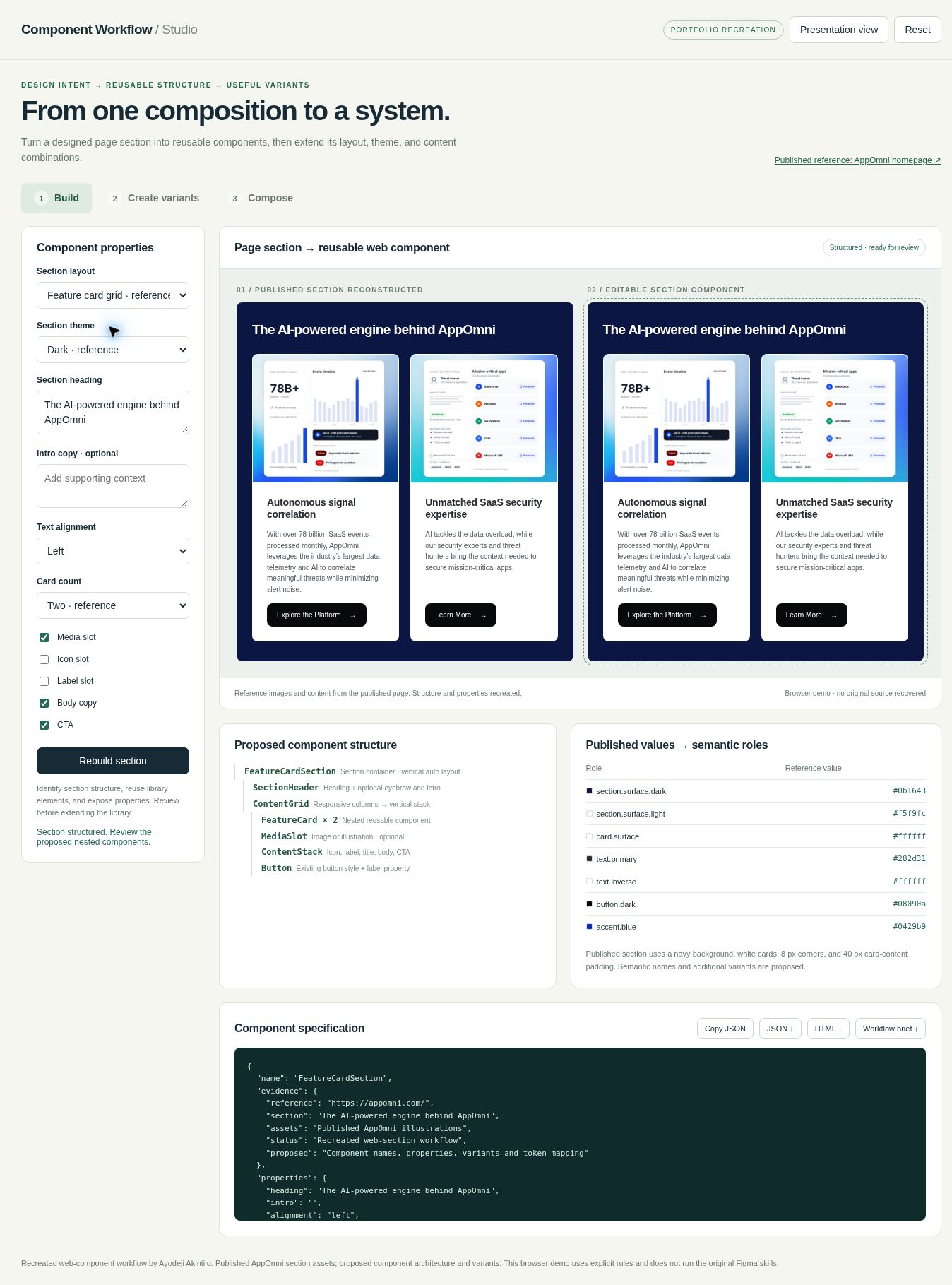
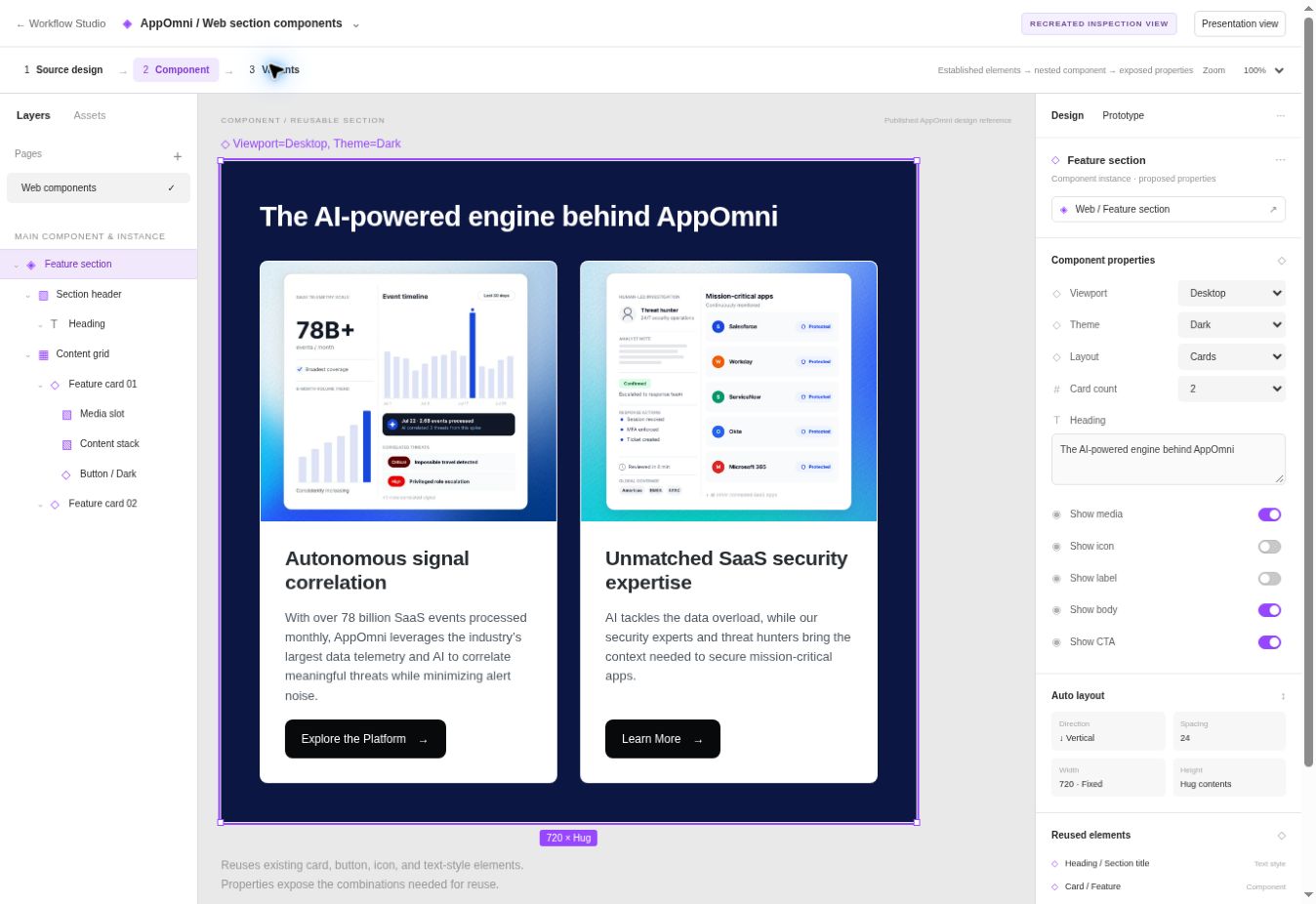
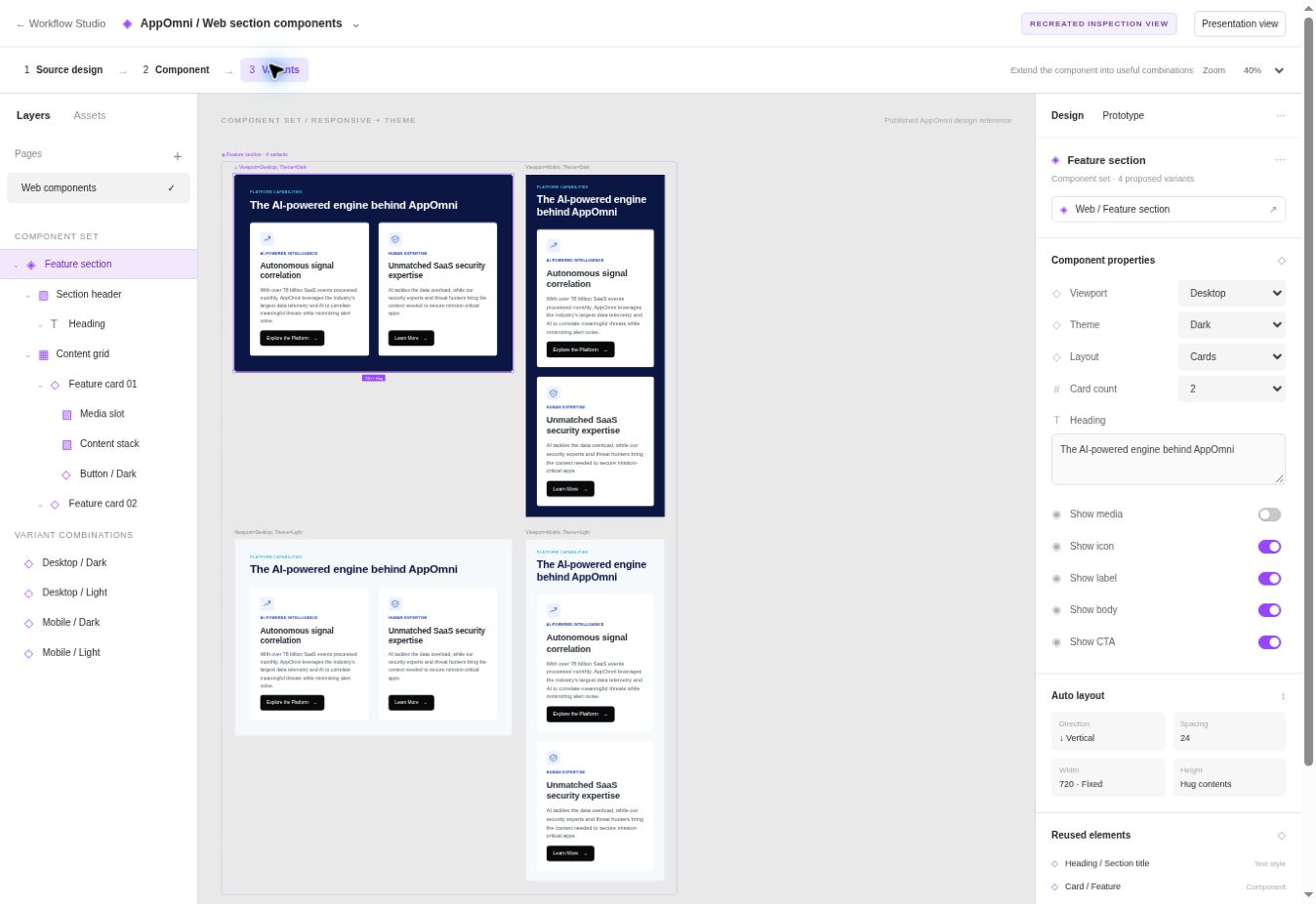
I began with a page section I had designed, then defined its reusable structure: what should stay fixed, what should vary, and which existing components and library styles could be reused instead of rebuilt. AI assisted with analyzing that structure and implementing the first pass; I evaluated the result against the original composition and directed the corrections.
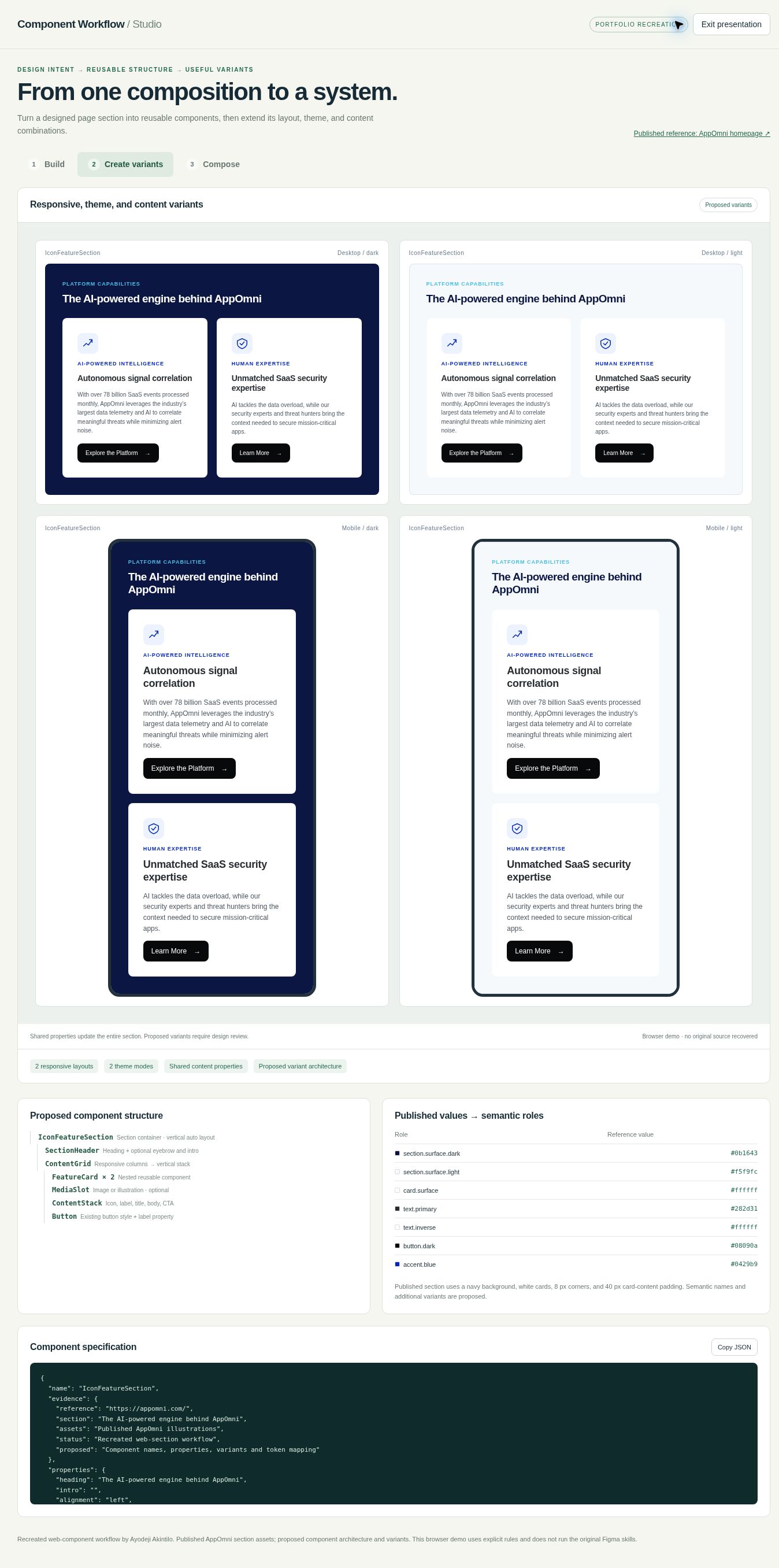
The interface below is a recreated demonstration of this workflow, built to illustrate the process. It is not the AppOmni production environment, and the inspector-style properties panel shown did not exist natively inside AppOmni's own Figma files.
Variants
Once the base component existed, the workflow extended it across the combinations a real page actually needs: desktop and mobile, light and dark, different content lengths, and different icon, label, headline, copy, and CTA combinations. Unless noted otherwise, the variants shown here are reconstructed examples built to demonstrate the approach, not screenshots pulled directly from AppOmni's own files.
Motion
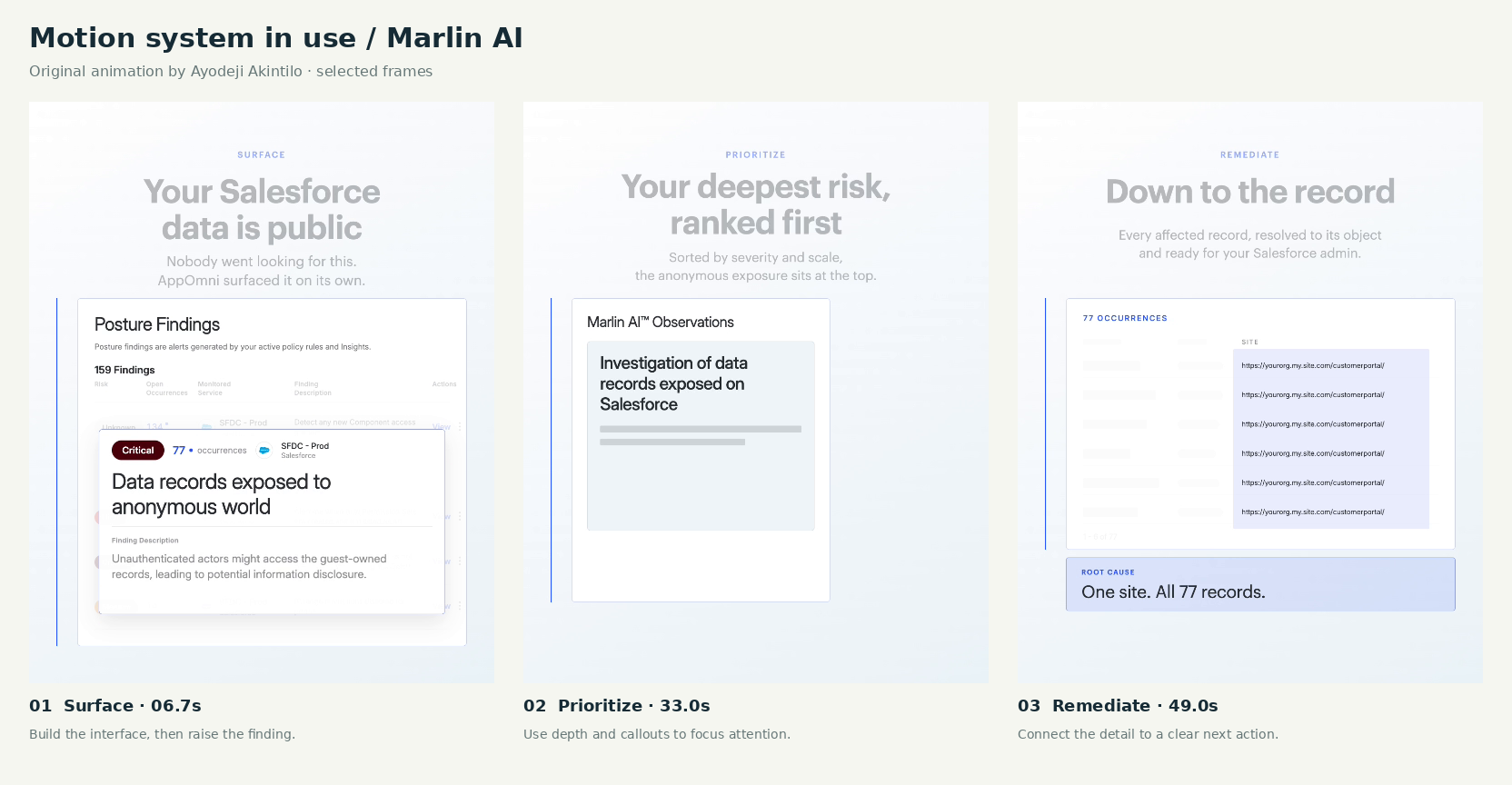
Motion supported the storytelling itself: progressive headline reveals, staged UI builds, a sense of depth and forward movement, deliberate attention shifts, and technical storytelling that needed to hold up on its own, without narration.
The Marlin AI animation below is original work. The motion-system interface shown afterward is a recreated demonstration inspired by that work. It is not the production editor used at AppOmni, and the original timing tokens, easing curves, and full accessibility specifications were not available.
I defined and reviewed
AI assisted with
Outcome
Page production time dropped from 10 days to 3 days after this reusable component system was introduced. That result reflects the full system: a reusable setup, more consistent references, adjustable rules, less repetitive construction, and a clearer handoff from design to development.
Creative Systems Toolkit
Alongside the production workflows above, I built a set of small, focused utilities to test and extend the same design system: a button-state lab with per-state color-contrast ratios, a generative dot-pattern tool, a brand-logo placement composer, and a WebP export demo. These combine observed design-system references with clearly labeled recreated demonstrations and proposed extensions.
Related work
Brand Systems
Secureframe / AppOmni
Brand and web systems that improved consistency, production speed, and site performance across Secureframe and AppOmni.
View case study
Brand Systems
Linx
A botanical illustration system and custom GPT for creating consistent Linx brand assets at four levels of complexity.
View case study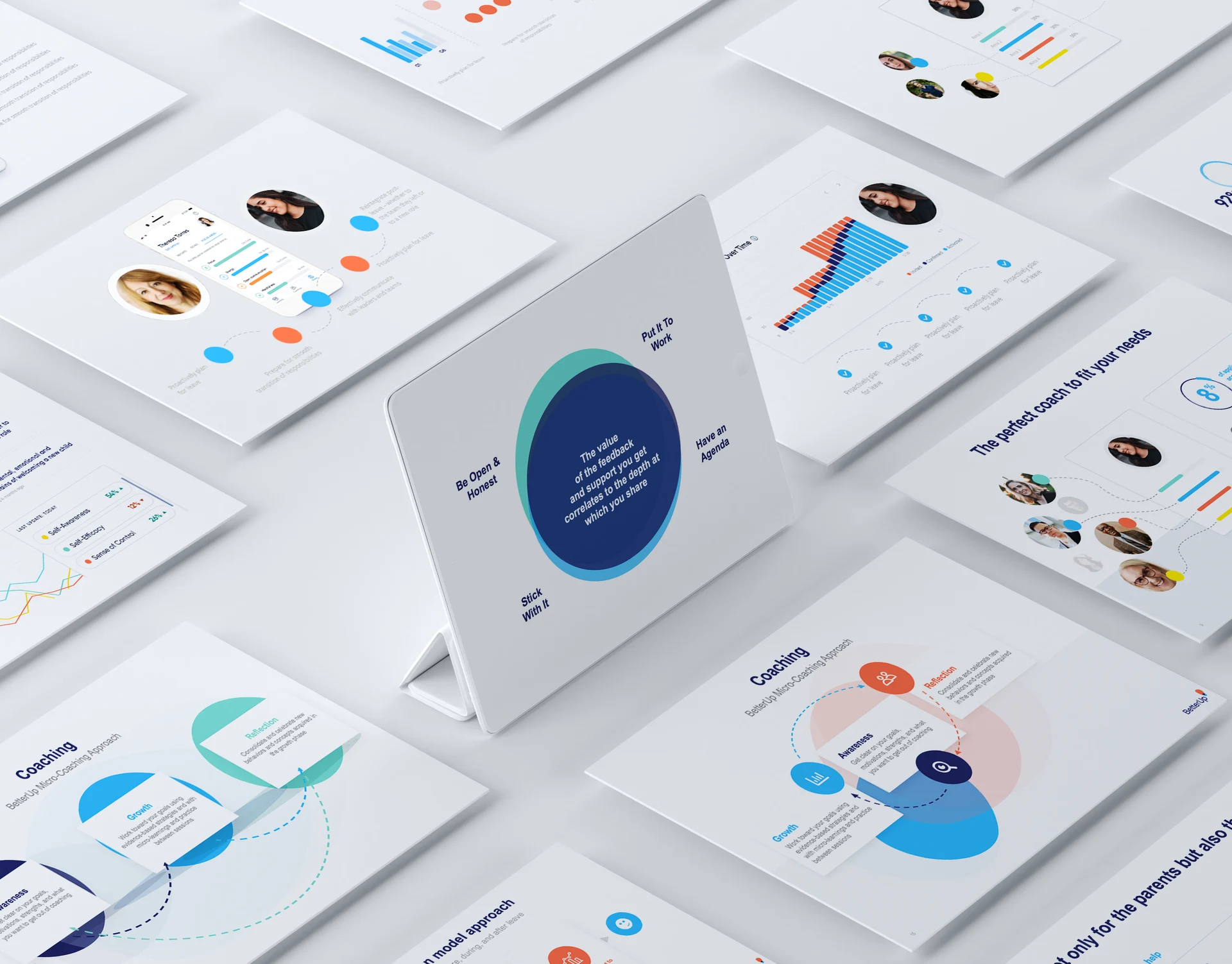
Communications
BetterUp
A reusable presentation system for BetterUp's enterprise sales and product storytelling.
View case study